> ## Documentation Index
> Fetch the complete documentation index at: https://docs.starai.pro/llms.txt
> Use this file to discover all available pages before exploring further.
# Image to Video
> Learn how to turn your images into dynamic AI-generated videos with StarAI’s AI Video Generator.
### 1. **Go to the website**
Visit 👉 [https://starai.pro/](https://starai.pro/) and log in to your account.
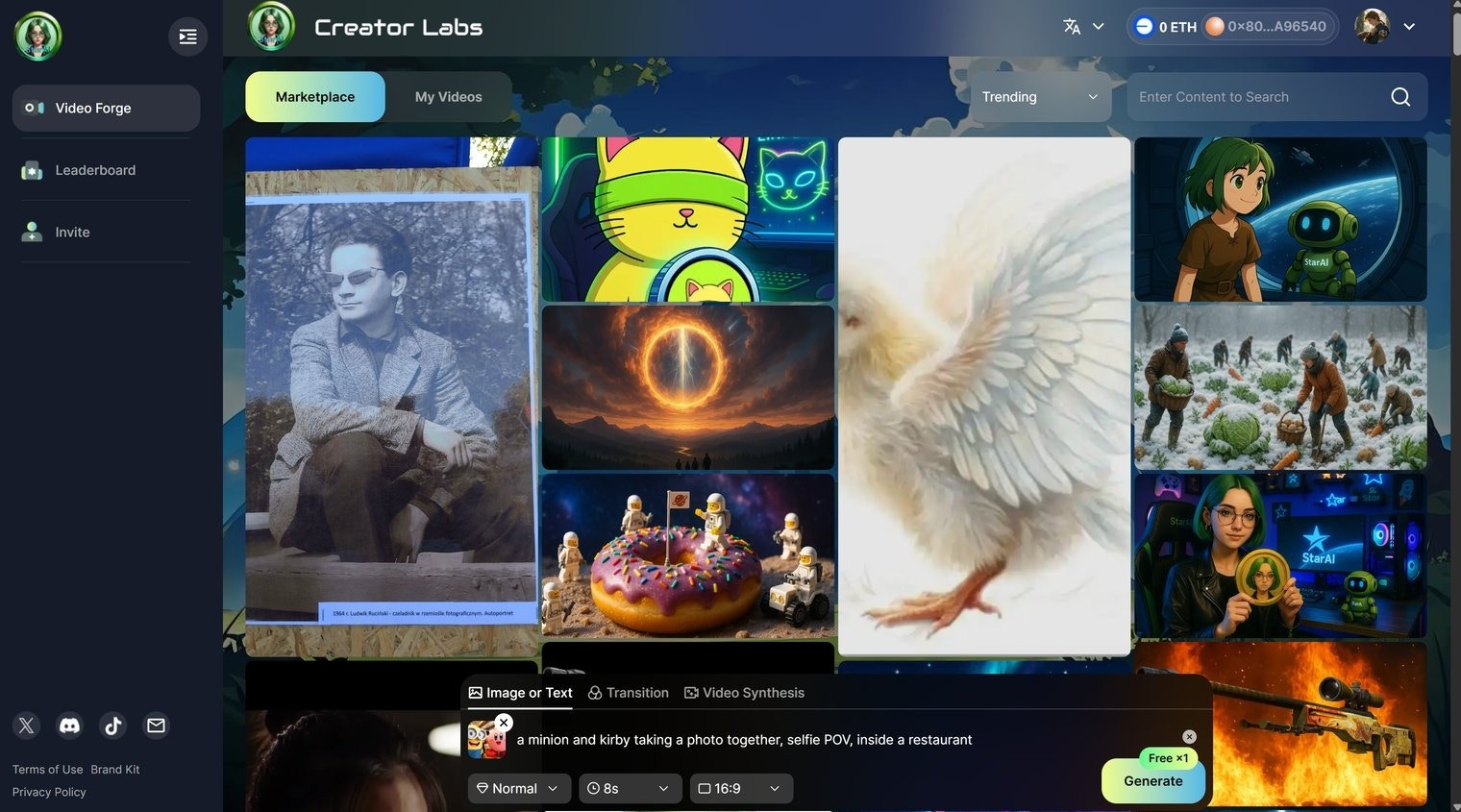
### 2. Enter your prompt & upload an image
In the input box, type your text prompt and upload a static image that you want to extend into motion, then click **Generate**.
 ### 3. Wait for processing
After a short moment, your generated video will appear under **My Video**. From there, you can view, download, or list it on the Marketplace.
### 3. Wait for processing
After a short moment, your generated video will appear under **My Video**. From there, you can view, download, or list it on the Marketplace.
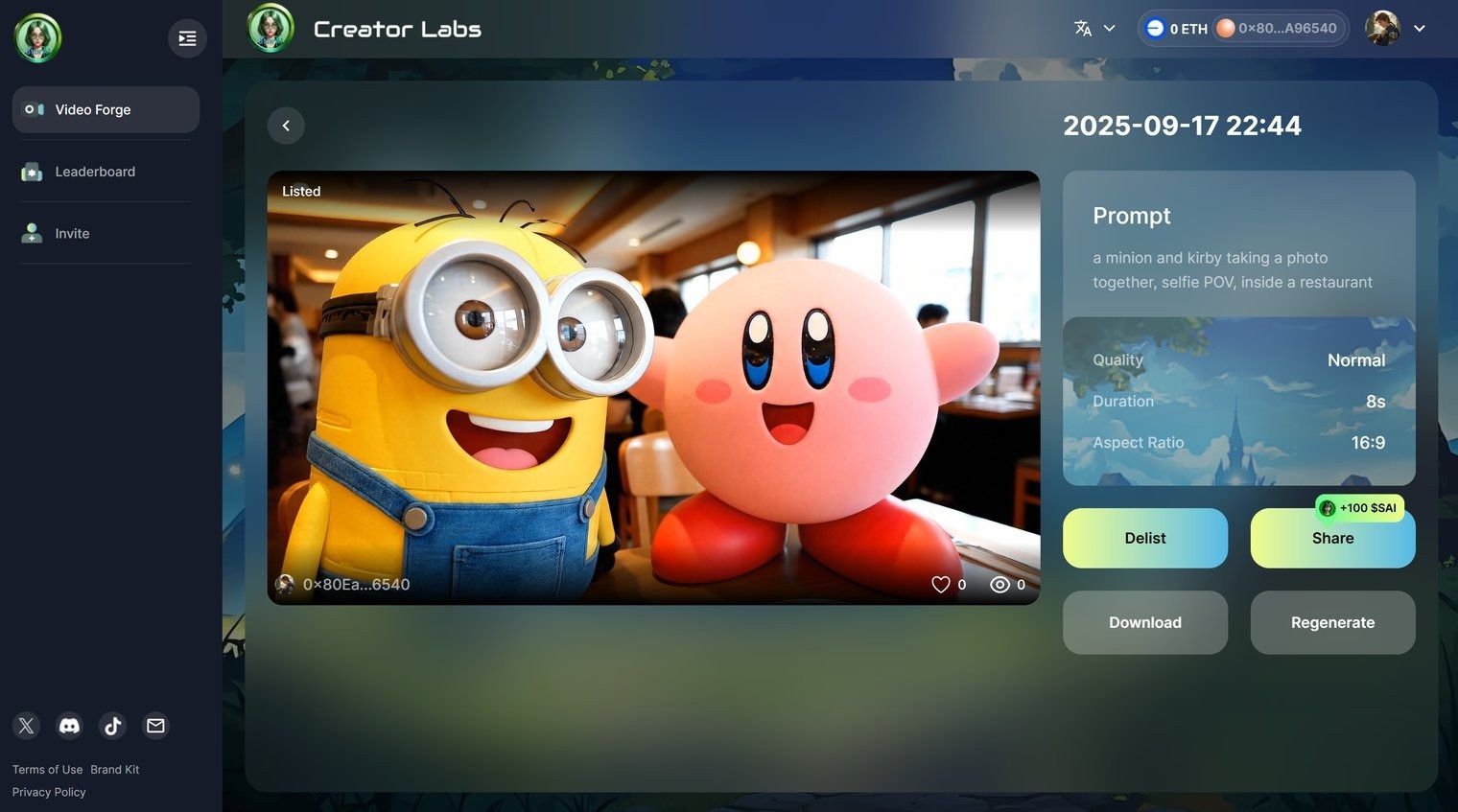 Video Example: [https://starai.pro/videos/387](https://starai.pro/videos/387)